
One for each stage of the funnel: attribution, localization, checkout, analytics, and pricing.
Getting a paying user is a pipeline with five stages, and each one has its own rules. Attribution needs to work, or the ad platform optimizes against you. Localization matters because every line of copy in a second language costs a little attention. The paywall is the most expensive moment in any mobile flow, because that's where the card number gets typed. Analytics only pays off if the events end up in the tool your team already uses. And free trials don't work on paid acquisition, because the ad network learns to find signups instead of buyers.
If any one of these stages isn't working, the other four can't make up for it.
Today, we're shipping five features, one for each stage.
Snap's pixel can't see what happens inside your funnel. Now it doesn't have to.
Snap's pixel fires on page load. But the events that predict revenue, like quiz starts, email captures, and purchases, happen inside the funnel, which Snap can't see from the browser.
So Snap optimizes on landing-page-view, reports CPA in landing-page-views, and bids against a signal that doesn't predict purchases. The real CPA shows up three days later in Stripe with a different number.
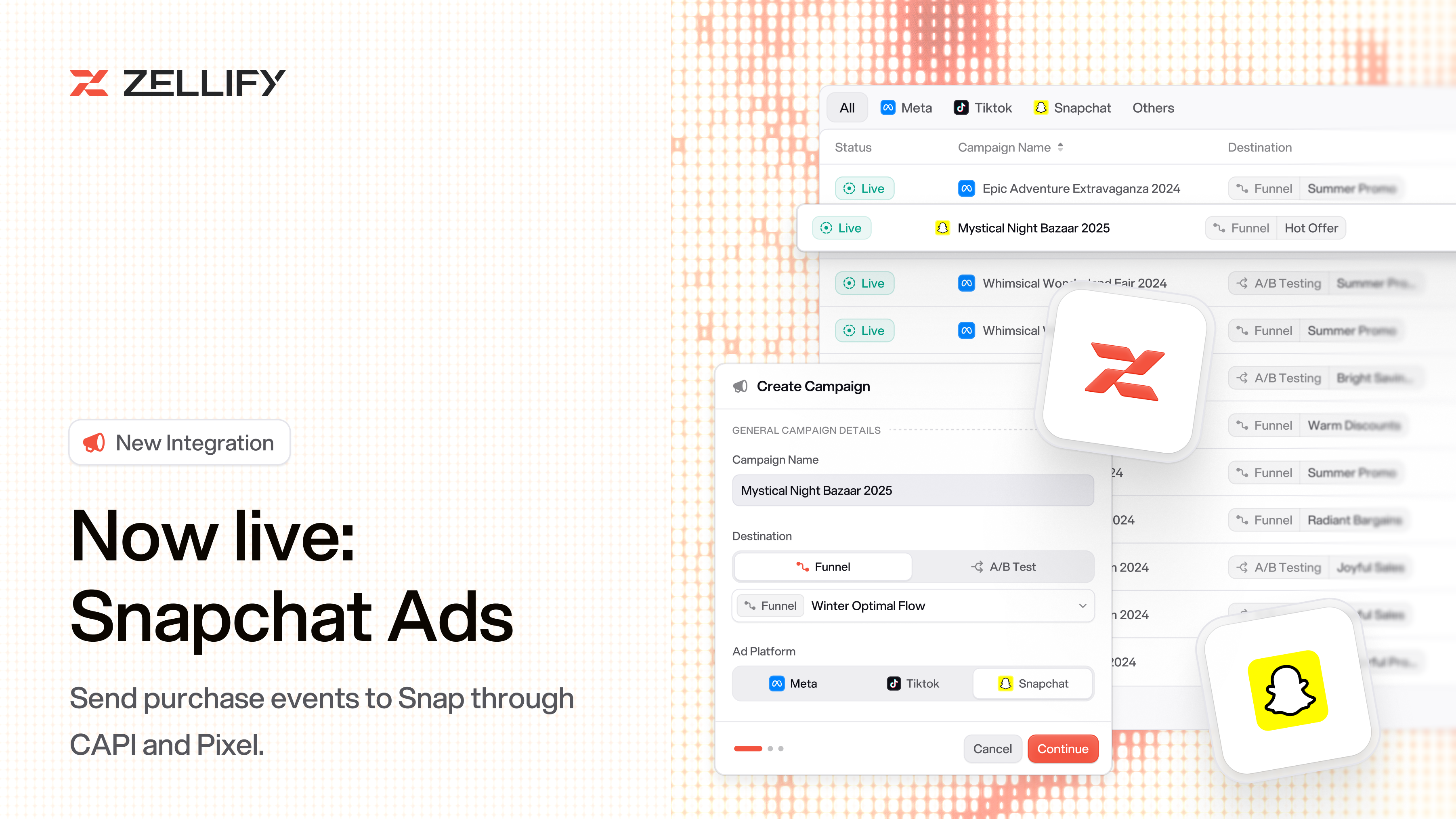
Today, we're introducing the Snapchat Ads integration. Create a campaign, point it at a funnel, and Zellify auto-injects the Pixel and forwards server-side purchase events to Snap's Conversions API.
Paste the Pixel ID and CAPI token from Snap Ads Manager, and optionally add a Test Event Code to validate events before going live. iOS 14 and ad-blockers stop breaking attribution, because the signal no longer depends on the browser.
Open Settings → Integrations → Snapchat to connect.
Translate an entire funnel in the background. Send each country to the right version.
A funnel in English converts worse in Germany than a funnel in German. Germans can read English fine. They just read it slower, and every line costs a little attention. Funnel conversion is the product of every line.
Translating a funnel used to mean hiring a freelancer, waiting a week, and re-uploading every copy change by hand. Most teams ran English at everyone.
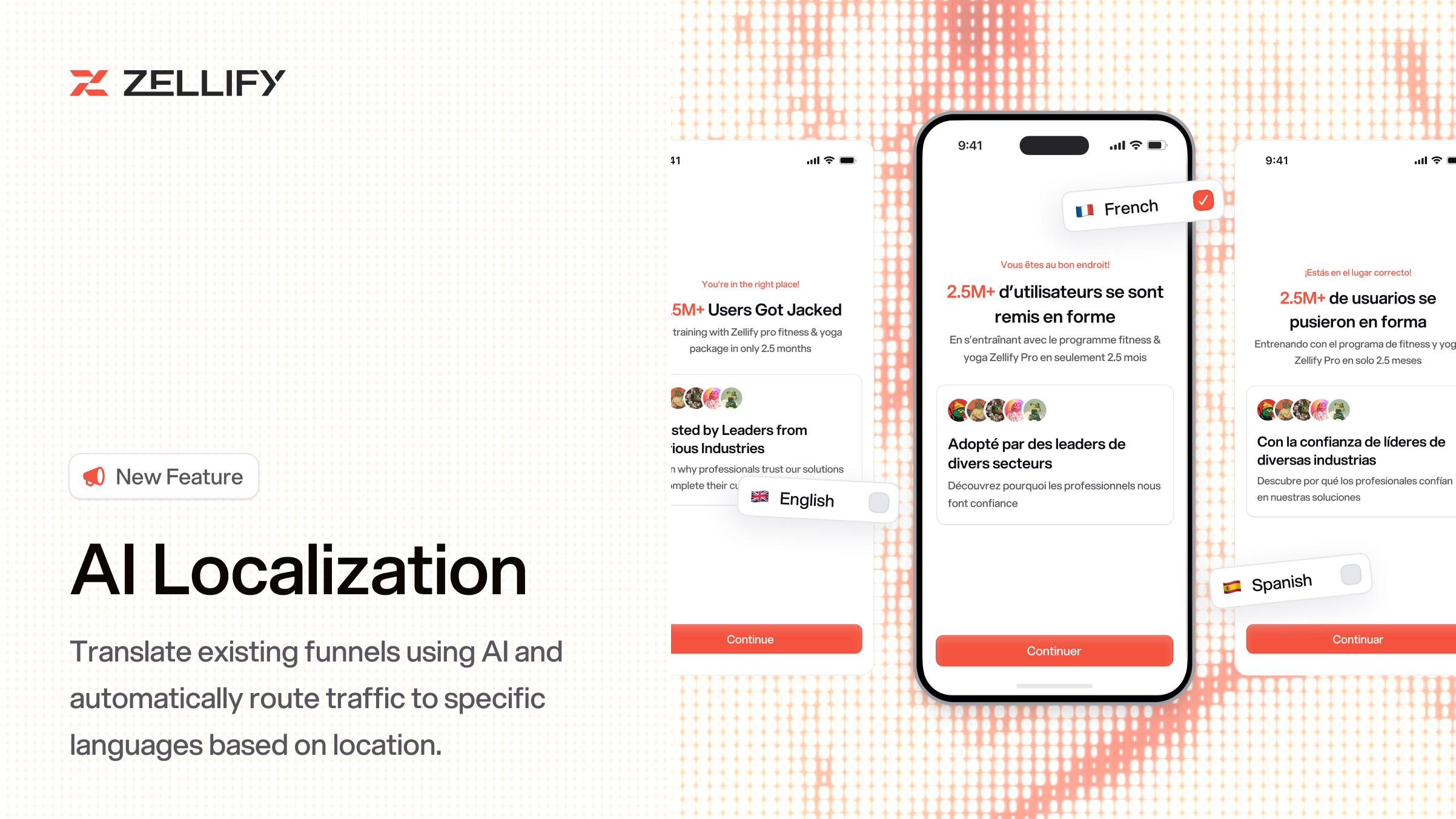
Today, we're introducing AI Localization. Pick a language, and Zellify translates the entire funnel in the background, including headings, buttons, labels, placeholders, and disclaimers. HTML tags and template variables like {{name}} stay untouched.
Each translation is its own funnel with its own URL and its own analytics, grouped under the original in the dashboard.
Translation is half the job. The other half is routing the right visitor to the right version. Campaigns now support routing rules. Map countries to funnels, first match wins, with a fallback for everyone else. Country detection runs through Cloudflare, so there's no client-side delay. One campaign, one audience, three destinations: Spanish for Spain and Mexico, Portuguese for Brazil, English for the long tail.
Open Campaign → Routing Rules to route by country.
Apple Pay, Google Pay, and Link, without opening a payment form.
The paywall is the most expensive point in a funnel. The user has done the quiz, seen the price, and agreed to the plan. Asking them to type a card number on a mobile keyboard at that moment is the highest-cost, lowest-value interaction in the whole flow.
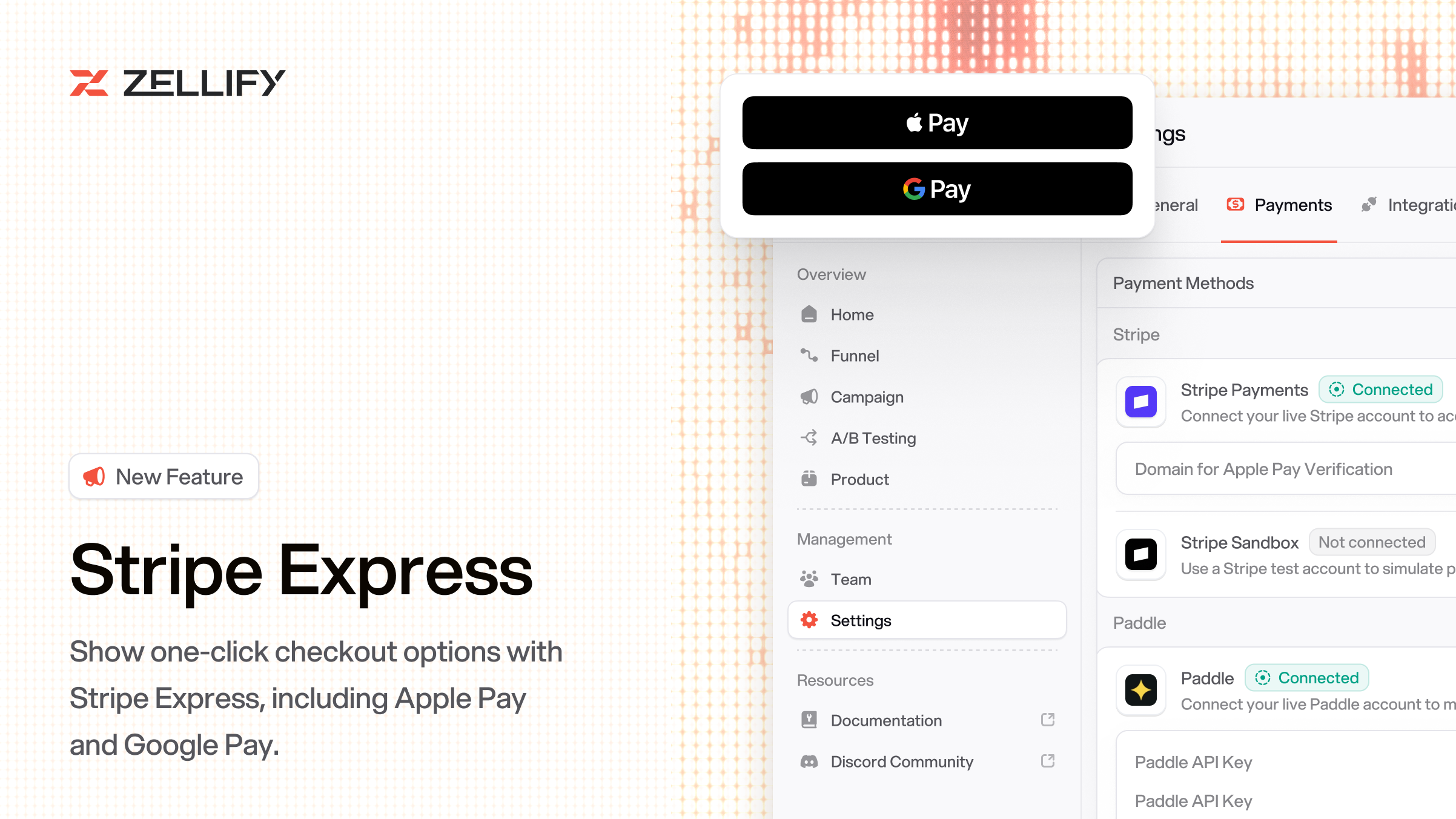
Today, we're shipping Stripe Express. Express checkout buttons for Apple Pay, Google Pay, and Link sit right on the paywall. The user taps, authenticates with Face ID, and the purchase is done.
The buttons appear alongside the existing card form, not instead of it, so users without a wallet still have the full fallback. One-time purchases and subscriptions both work. Stripe handles the mandate and stores the payment method for recurring charges automatically.
Open Paywall → Checkout options to enable Express.
Quiz answers, email captures, revenue events, all piped into PostHog as typed events.
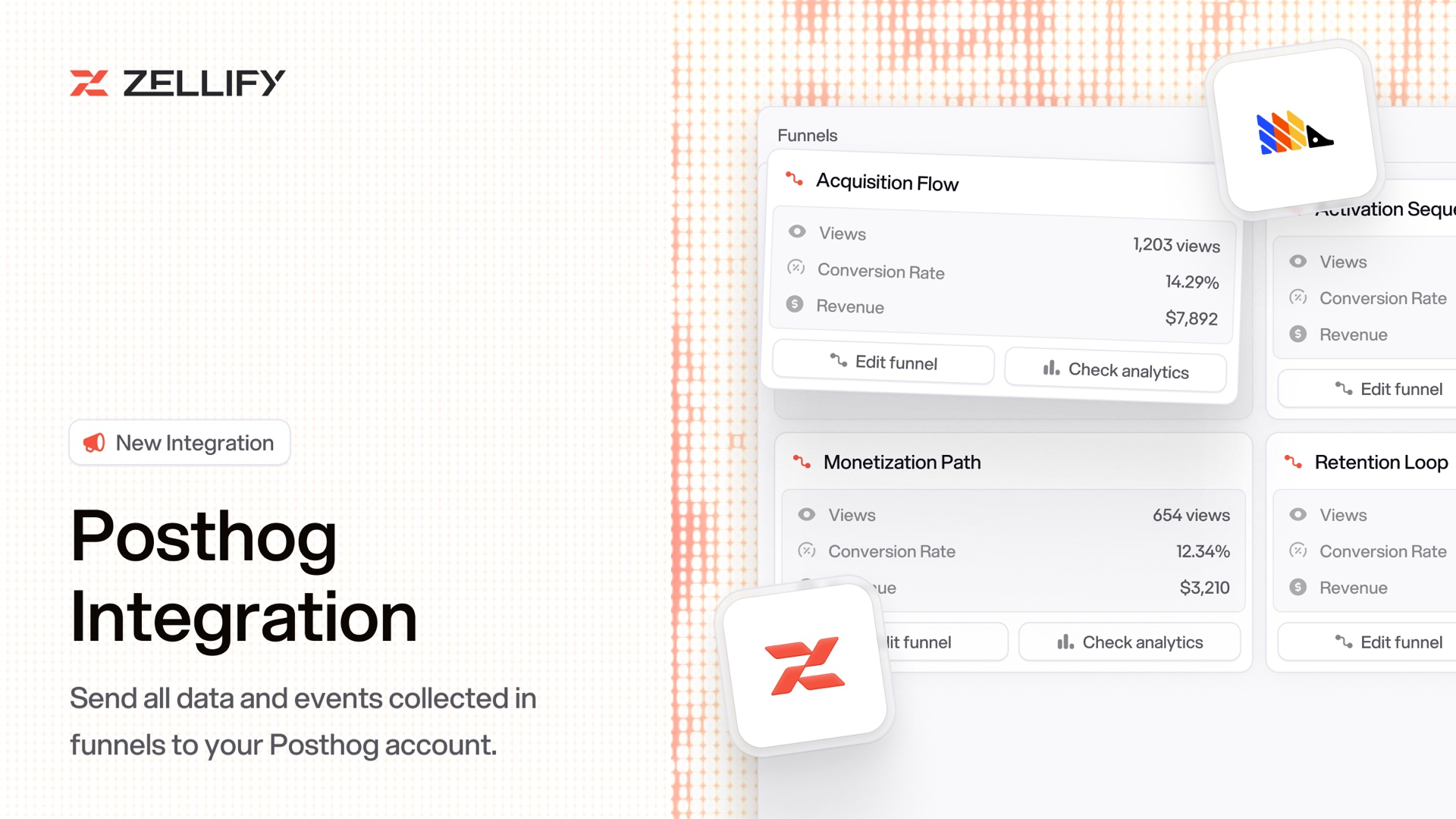
Funnel analytics inside Zellify are useful for the funnel. They're less useful for the growth team, product team, and data team that already live in PostHog, with their cohorts, dashboards, and insights built there.
Piping Zellify events into PostHog used to mean reverse-engineering our webhook format and writing a custom consumer.
Today, we're shipping the PostHog integration. Enable it once, and Zellify sends funnel, quiz, and payment events directly into your PostHog project, typed and identified.
Quiz answers come through as properties on page-completion events and as PostHog person properties, so a cohort like "users who answered 'intermediate' on question 3" is a filter in the builder, not a custom ingestion job. Revenue events carry product ID, price ID, currency, quantity, and category, so revenue breakdowns are native PostHog insights.
Identification is automatic. When a user captures their email, that email becomes the PostHog distinct ID, and every event before and after the capture ties back to the same user.
Open Settings → Integrations → PostHog to enable. Read the PostHog integration docs.
Chain multiple products into one subscription. A cheap trial becomes a long-term plan, automatically.
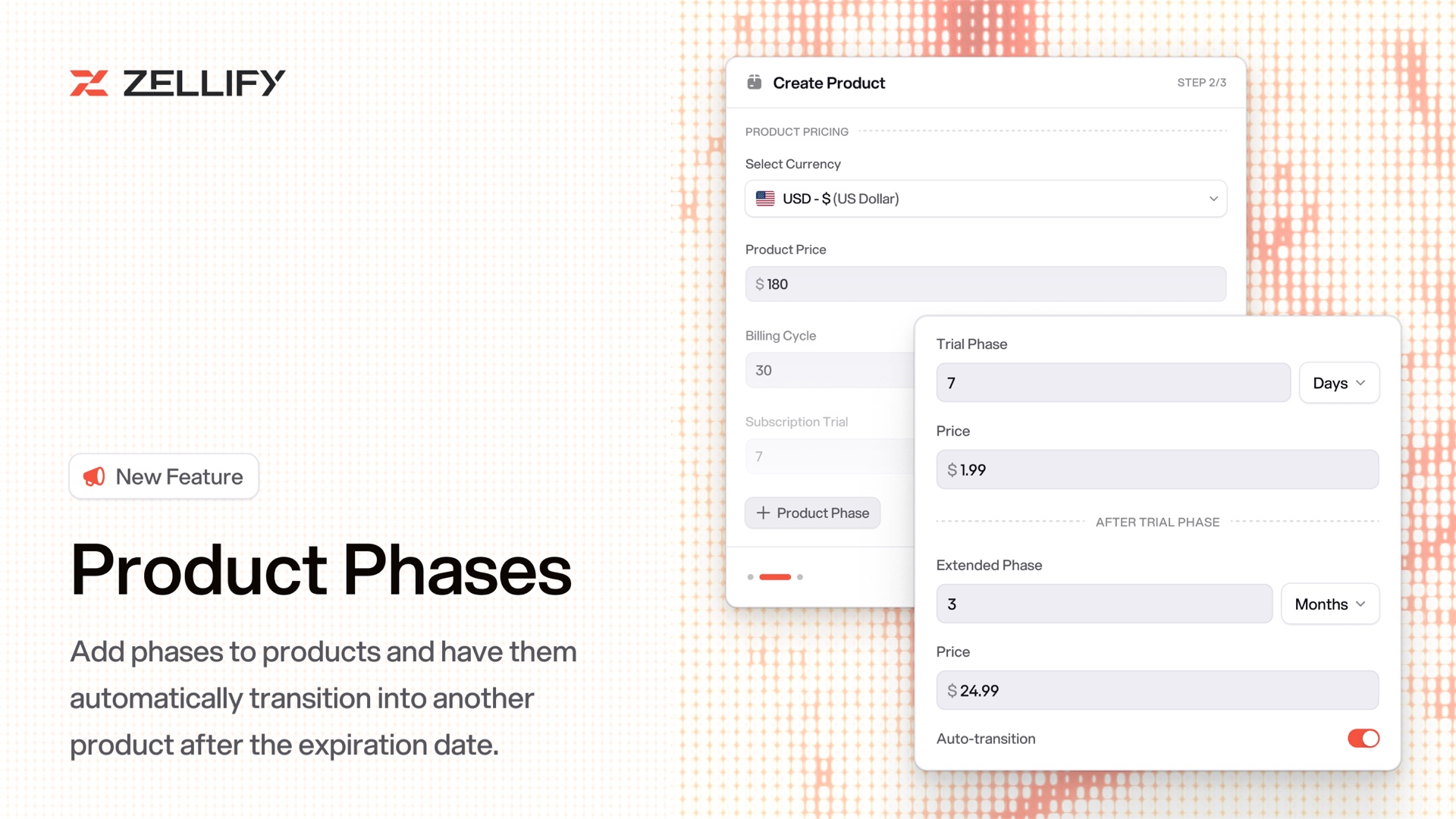
The answer is a paid trial. A small first charge converts the prospect into a buyer, so the ad network learns to find buyers. It also solves a second problem: price and product are different decisions. $1 for a week is a price decision. $80 for a year is a product decision. Asking for both at once makes the user decide the hard one first, before they've used the app.
Stripe supports this natively through Subscription Schedules. Implementing it by hand means wiring a schedule per customer, handling phase-transition webhooks, and running a backfill every time the plan changes.
Today, we're introducing Product Phases. Chain multiple products into sequential subscription phases inside the product builder.
When you create a Stripe product, there's a new Subscription Scheduling step. Enable it, pick earlier products as preceding phases, and drag to reorder. The product you're creating becomes the final phase. Each earlier phase runs for its configured duration, and the next one starts automatically. A common setup: one product for a cheap weekly trial, and the product you're creating for the 3-month plan that takes over when the trial ends.
Each chain creates a Stripe Subscription Schedule under the hood, so everything stays native to your Stripe account. Stripe-only at launch.
Open Product → Subscription Scheduling to chain your first phases.
Everything above is live today. If any stage of your funnel is holding you back, book a demo
© 2026 ZF Solutions AB. All Rights Reserved.