
Synchronize entitlements between Zellify Web Funnels and your mobile application.
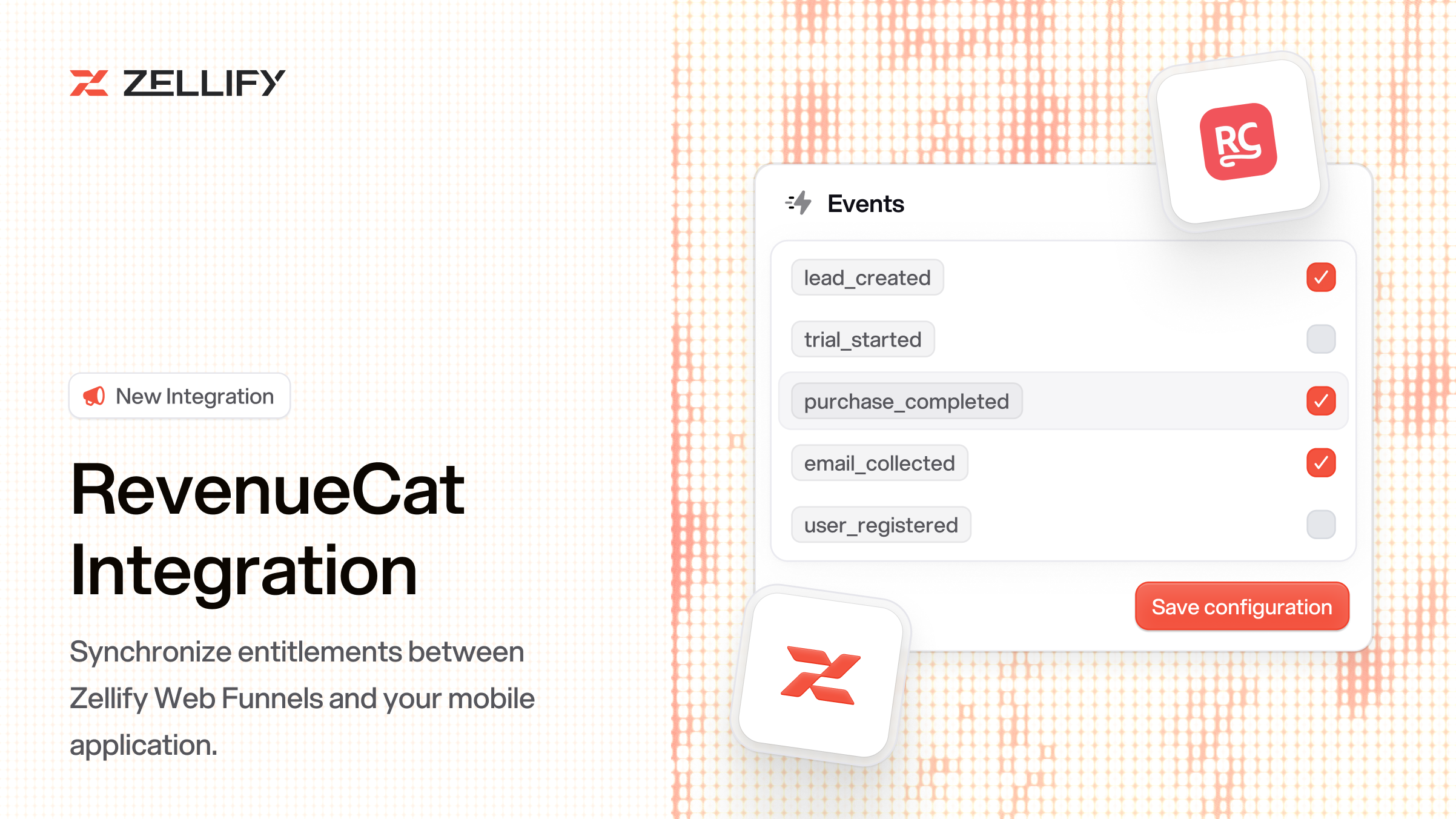
If you use RevenueCat to manage subscriptions across platforms, you can now connect purchases made through your Zellify funnels to RevenueCat. Users who buy on the web automatically receive access inside your mobile app.
Zellify does not send purchase data to RevenueCat directly. Instead, RevenueCat receives transactions from your payment provider (Stripe or Paddle) via server-to-server notifications and grants entitlements based on those events.
The key linking mechanism is the app_user_id. Zellify already sets this on every Stripe and Paddle checkout. RevenueCat reads it from the payment metadata and matches the web purchase to the correct subscriber.
Your setup involves two parts:
Connect RevenueCat to your payment provider (required). Configure server-to-server notifications and entitlement mapping in RevenueCat. This is what actually grants entitlements.
Enable the Zellify RevenueCat toggle (optional). This pre-creates a RevenueCat customer profile at checkout and attaches Zellify metadata — email, funnel ID, campaign ID, experiment ID, and organization ID. This does not grant entitlements on its own. It's useful if you want Zellify context visible directly on subscriber profiles inside RevenueCat. The same metadata is already available on your Stripe or Paddle customers, so this step is only necessary if you want it surfaced in RevenueCat as well.
Go to Settings > Integrations, find RevenueCat, toggle it on, and enter your REST API key. That's it.
For the full setup guide including Stripe and Paddle configuration, check out the RevenueCat integration docs.
How can we improve this integration? Contact us.
© 2026 ZF Solutions AB. All Rights Reserved.