
Gather email leads within your funnel for future retargeting through email campaigns.
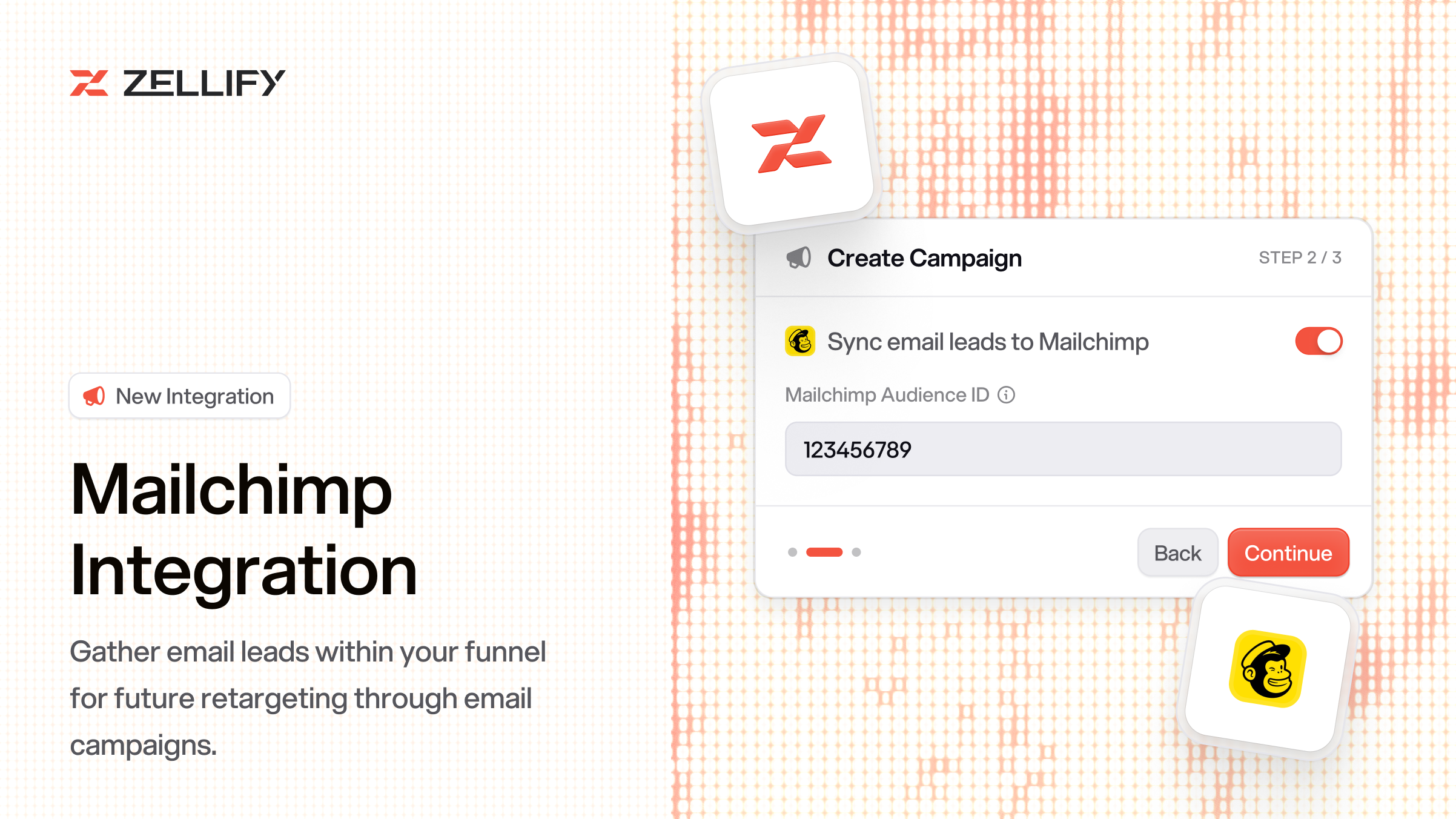
You can now automatically add email leads from your funnels to a Mailchimp audience. When a user submits their email in a funnel, they are added to your specified audience as a subscribed contact.
When an email is captured, Zellify adds the contact to your Mailchimp audience and tags them with conversion_status: unconverted. All quiz and form responses from the funnel are synced as merge fields on the subscriber profile, so you can personalize emails and segment contacts based on funnel answers.
When a payment is completed, the conversion_status is updated to reflect that the user converted. This makes it easy to build segments of unconverted leads and target them with follow-up campaigns or offers.
Audience syncing is configured per campaign, so you can route leads from different funnels into different Mailchimp audiences.
To enable it, open a campaign in the dashboard, go to Campaign Settings, toggle on "Sync email leads to Mailchimp", and enter your Mailchimp Audience ID.
Go to Settings > Integrations, find Mailchimp, enter your API key and server prefix, and toggle it on.
For the full setup guide, check out the Mailchimp integration docs.
How can we improve this integration? Contact us.
© 2026 ZF Solutions AB. All Rights Reserved.