Gather email leads within your funnel for future retargeting through email campaigns.
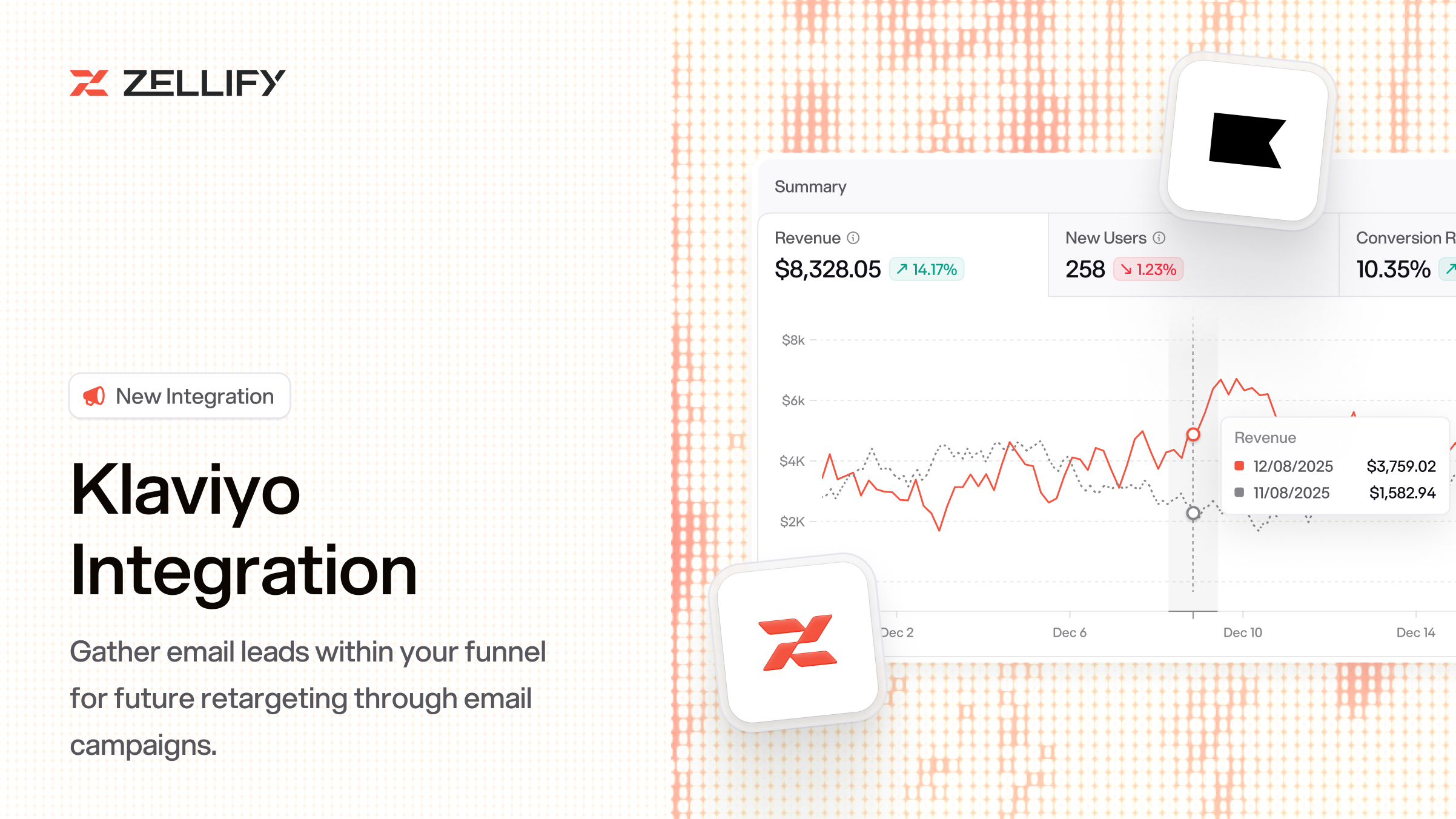
You can now send funnel behavior, email leads, and payment events directly to Klaviyo. Once enabled, Zellify automatically tracks user activity across your funnels and reports it to your Klaviyo account.
Zellify sends events to Klaviyo as users move through your funnel, including Viewed Page, Completed Page, Signed Up, Started Checkout, Placed Order, Started Trial, Started Subscription, and more. These can be used as triggers in Klaviyo flows, conditions in segments, or filters for campaigns.
When an email is captured, Zellify creates or updates the Klaviyo profile, enriches it with location data, and sends a Signed Up event with funnel context. Funnel answers are synced as profile properties, so you can personalize emails and segment users based on quiz responses.
List syncing is configured per campaign. Open a campaign, go to Campaign Settings, toggle on "Sync email leads to Klaviyo", and enter your Klaviyo List ID. Users who submit their email are automatically subscribed to that list.
This lets you route leads from different funnels into different Klaviyo lists.
Zellify sends both Signed Up and Placed Order events, so you can build a Klaviyo flow that triggers on Signed Up, waits, checks whether the user placed an order, and sends a follow-up email if they didn't. This lets you recover users who dropped off at the paywall automatically.
Go to Settings > Integrations, find Klaviyo, enter your Public API Key (Site ID), and toggle it on.
For the full setup guide, check out the Klaviyo integration docs.
How can we improve this integration? Contact us.
© 2026 ZF Solutions AB. All Rights Reserved.