
Show discounts and one-time offers to users who are hesitant at the paywall.
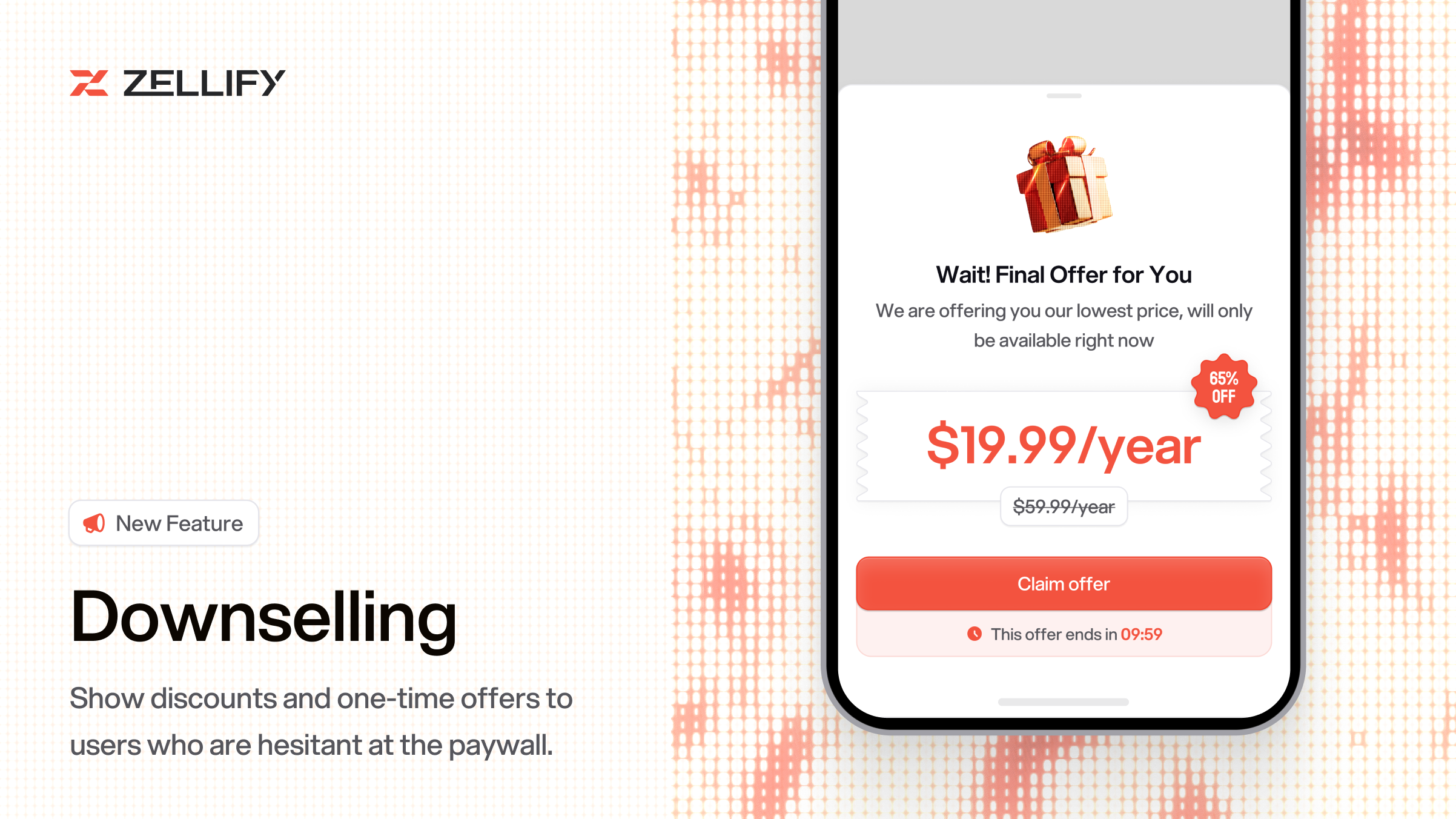
You can now recover users who open the payment form but close it without purchasing. When this happens, Zellify automatically routes them to a different page in your funnel — typically a discounted offer as a final attempt to convert.
On your paywall page, select the Subscription Plan Card component and enable "Navigate on Payment Exit". Then in the Flow page, add a condition that checks if paymentExited equals true and route those users to your downsell page.
A common setup is to show your standard paywall first, and if the user exits the payment form, redirect them to a second paywall with a higher discount. You can also use the Final Offer component on the downsell page to present a discounted offer in a popup as soon as the page loads.
Downselling works well when users show high intent but hesitate at checkout. Instead of losing them entirely, you get one more chance to convert with a lower-friction offer.
For the full setup guide, check out the downselling docs.
How can we improve this? Contact us.
© 2026 ZF Solutions AB. All Rights Reserved.