Create custom funnel components directly inside Zellify using AI.
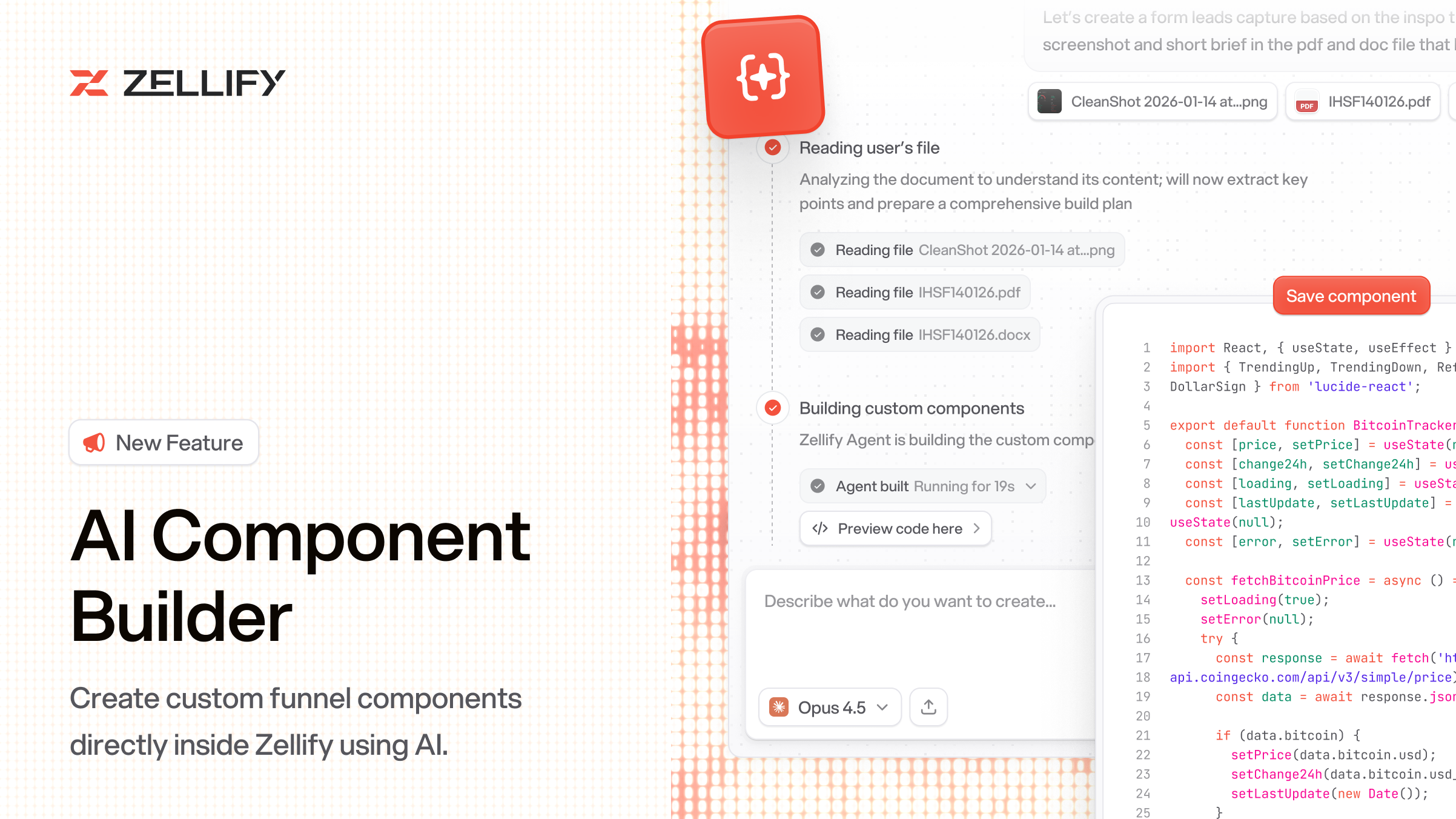
You can now create fully custom components for your funnels. Describe what you need in plain English and AI generates it for you, or import your own code directly.
Open the Component Builder, describe what you want to build, and the AI agent generates the component code. You can iterate by describing changes in follow-up messages. Attach images or files for reference. The component previews live as it's being built, so you can see exactly what you're getting.
If you'd rather write your own code, create a blank component and use the built-in code editor. It supports TypeScript, React, and Tailwind with full type definitions and autocomplete.
Once created, custom components behave exactly like the built-in ones. Drag them from the component palette, drop them onto a page, and configure them in the properties panel. Zellify automatically detects configurable properties from your component code and generates editable fields for them, so you can adjust everything visually without touching the code again.
Custom components are reusable across all your funnels.
For more details, check out the components docs.
How can we improve this? Contact us.
© 2026 ZF Solutions AB. All Rights Reserved.